


 WARNING: This product can expose you to chemicals including nicotine, which is known to the State of California to cause cancer. For more information, go to www.P65Warnings.ca.gov
Looking to unleash the true ferocity of your concentrates anywhere, anytime and all with the lush smoothness of water filtration?
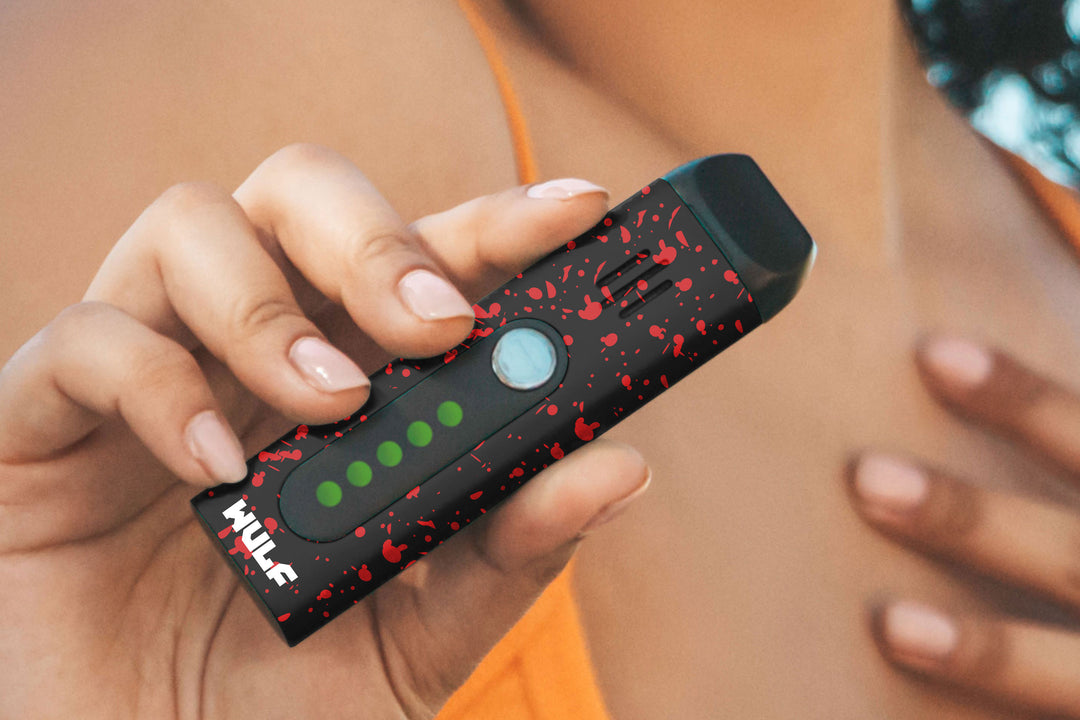
Well you’re in luck because the Wulf Mods Growler Electronic Dab Rig is here to put the power of an e-rig in the palm of your hand, with its 3” compact size and water filtration resulting in a sublime combination of potency, practicality, and portability.
No more having to compromise with your dabs on the go, with the Growler in hand you can rip high quality clouds whether you're lounging on the beach, watching the sunset at the top of a mountain, or kicking back at home under a cozy blanket. With complete freedom to enjoy your concentrates, the choice is yours on where and when you let the Growler rip.
Features include an easy access threaded concentrate chamber with silicone tether cap, choice of 3 heat settings (Low, Medium, High), and full color screen with easy read icons. Swap between the two distinct operating modes (Auto Mode and Manual Mode) for either a more guided session or on demand control depending on your mood.
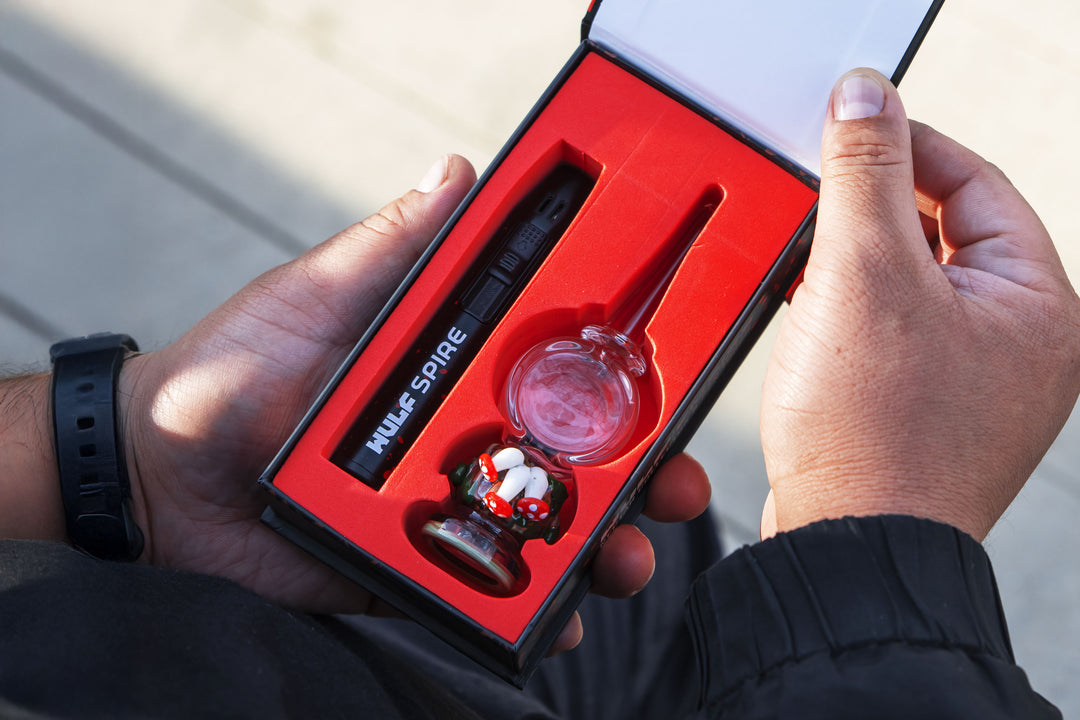
To ensure you have everything you need to get vaping all Wulf Growlers come accessory complete with a custom dab tool, dedicated type-c charging cable, set of spare silicone rings, and cotton cleaning swabs.
Take a look over the 4 vibrant color choices and treat yourself with the power of a Wulf Mods Growler Electronic Dab Rig right now!
Wulf Growler in hand and ready to blast off into cloud nine? We’ve got you covered with the following quick runthrough on how you can start dabbing with your Growler.
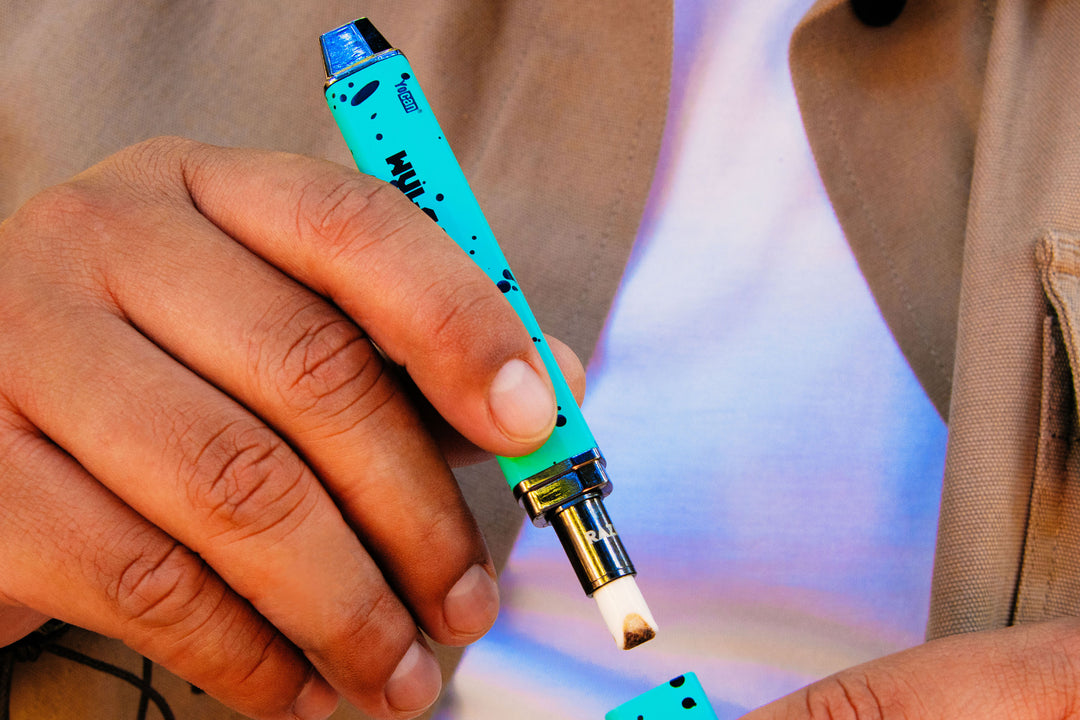
First remove the silicone cap from the Growler to access the concentrate chamber.
Next take a dab tool or hot knife and carefully load your desired amount of concentrate onto the blue concentrate pad at the bottom of your chamber. Make sure to get 100% of the concentrate right onto the pad as this is where all of the vaporization happens.
With your concentrates loaded into the chamber, you can now replace the tethered silicone cap and seal your materials in for vaporization. From here you are all ready to get ripping with your Wulf Growler.
When you first get your Wulf Growler we recommend washing out the tank with water for an initial clean. After this first time, you can simply wash it out and clean as normal.
To fill your Wulf Growler Electronic Dab Rig with water first remove the tank from the back of your battery. Next remove the bottom cap from the tank and make sure that the mouthpiece is set to lock mode.
The Growler mouthpiece is in lock mode when fully pressed backwards. This forms a seal and prevents any water from trickling out of your tank.
With the mouthpiece locked, turn your tank upside down and remove the base on the bottom to fill it with water. Fill the tank until it reaches the MAX level line and then replace the base to lock everything in.
Now you can reconnect the water tank to your Wulf Growler and get ready to enjoy some silky smooth clouds from your mini electronic dab rig.
To get started with your Wulf Growler Electronic Dab Rig press the power button 5x in a row to turn the battery on. This will cause your vaporizer to vibrate 1x and the screen will spring to life indicating your Growler is now powered on.
Now you can choose between the two available operating modes on your Wulf Growler including Auto Mode and Manual Mode.
Both modes are able to deliver excellent vapor, so it all comes down to whether you’re in the mood for a more guided session or would rather take the reins and run it yourself.
The Wulf Growler Electronic Dab Rig features a choice of 3 different heating modes each with their own dedicated color.
These include Low - Green, Medium - Blue, and High - Red.
To swap between the three choices press the power button on your Growler 3x in a row. This will cycle things through to the next heat level and your screen will update the icon color to let you know where you’re at.
Low is great for smooth flavorful clouds, medium is a perfect middle ground, and high is for more intense potency. This gives you the full spread of available concentrate experiences, all while keeping things simple and easy to use on the go.
When charging your Wulf Growler Electronic Dab Rig only ever use the type-c usb charging cable that came with your vaporizer. Using other aftermarket charges can result in improper heating, leading to decreased battery lifespan and at worst day ruining short circuits.
Once plugged in the Wulf Growler will vibrate 1x and the battery bar will flash to let you know where things are currently at. Once your battery is at 100% charge make sure to promptly remove it from the charger.
Never leave your Wulf Growler plugged in for an extended period of time, as over charging can lead to battery issues.
For the safest sessions we recommend taking a look over the following Wulf Growler troubleshooting warnings to let you know when your electronic dab rig is trying to tell you something.
Make sure to pay attention to these trouble shooting warnings and Learn more helpful tips and keep your vapor ripping at 100% by checking out the Wulf Help Center.
To experience the purest flavors, strongest potency, and maximum vapor production from your Wulf Growler Electronic Dab Rig you are going to have to keep things clean. To help you out, we’ve created the following cleaning guide below.
Keeping your Wulf Growler clean is the #1 way to ensure your vapor stays hitting strong, so make sure to take the time to maintain your vaporizer in order to get the best clouds for you and your friends.
What’s Included:
Warning: Do not charge with a power bank of 5V or higher. Do not charge in your car. Do not overcharge the battery or use any other charging cable other than what comes with your battery. Failure to follow these instructions could result in battery damage and frying of the internal system. If the device gets too hot while you are using it, please stop using it for a while. Please avoid using the device while it is charging.